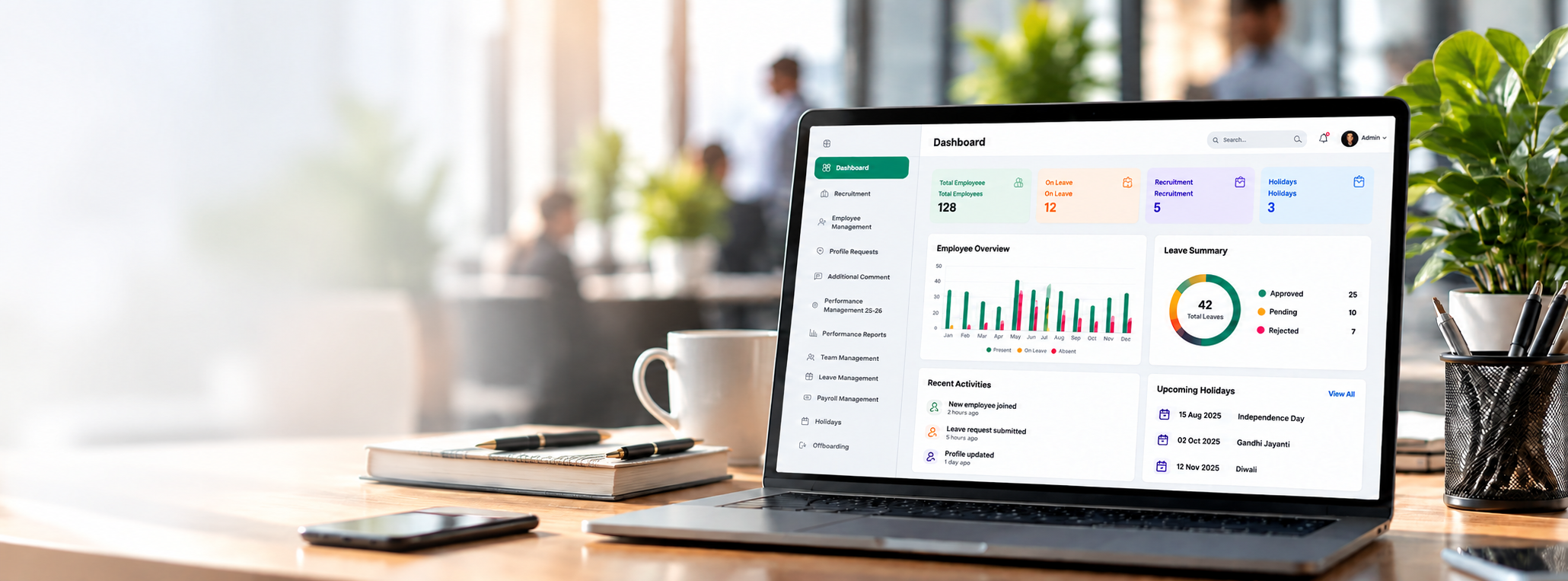

Sampro HRMS dashboard shown on a laptop on a modern office desk

HR Management Solution

Simplify your HR operations with a unified system built for modern teams, clear communication, and efficient workflows.

  • Manage employee profiles, team structures & personal records
  • Automated attendance tracking, holiday calendar & leave approvals
  • Streamlined payroll processing, payslips & performance reviews

Admin

Runs people, pay, leave, hiring, and settings.

HR

Handles hiring, onboarding, payroll, holidays, and exits.

Manager

Approves leave and follows the team’s work and documents.

Employee

Opens profile, leave, pay slips, and personal documents.

IT

Looks after attendance, expenses, and company assets.

Features

What you can do here

Each part of the system matches a real screen in Sampro HRMS. The points below are the everyday tasks.

Recruitment

Hire people without losing track of who applied.

  • Open a job and keep it in one list
  • Read each application and resume
  • Use email templates and the inbox log

Employees

Add new joiners and keep their records up to date.

  • Start onboarding for a new person
  • Store profile details in one record
  • Review requests to change a profile

Leave

Ask for time off and approve it in a clear flow.

  • Employees send a leave request
  • Managers and HR approve or decline
  • Everyone can see the current status

Holidays

Mark company holidays so leave dates stay correct.

  • Add the holiday list for the year
  • Share the same calendar with the team
  • Avoid clashes with approved leave

Payroll

Handle salaries and give people their pay slips.

  • Keep salary details for each person
  • Open and share pay slips
  • HR and managers review pay from their own screen

Performance

Review the year’s work and read the reports.

  • Fill in performance reviews
  • See reports for a person or a team
  • Admin, HR, managers, and employees each have their view

Teams

See who is on which team and who they report to.

  • View the team structure
  • Managers see their own people
  • HR and admin keep the structure current

Documents

Keep work papers with the right person.

  • Store professional documents
  • Employees open their own files
  • Managers can review team documents

Attendance

See who is in and who is out.

  • IT keeps the attendance record
  • Check daily presence in one place
  • Use it alongside leave and holidays

Expenses

Submit costs and review them.

  • Raise an expense claim
  • IT reviews and tracks each claim
  • Keep a clear record of what was spent

Assets

Know which company items are with which person.

  • Assign laptops and other assets
  • See what each employee holds
  • Update the record when items move

Offboarding

Close the record when someone leaves.

  • Start a resignation from the employee side
  • Managers, HR, and admin follow the exit steps
  • Keep the leaving process in one place

Complete HR Lifecycle

Manage every stage of the employee journey in one place.

EmployeeOnboarding
Team & OrgStructure
Attendance &Leave
PayrollProcessing
PerformanceManagement
OffboardingManagement